To get started, press Ctrl–Alt–T on your keyboard to open "Terminal". When it opens, run the commands below to create a new root password.
sudo passwd root

Next, copy this line to /etc/lightdm/lightdm.conf.
greeter-show-manual-login=true
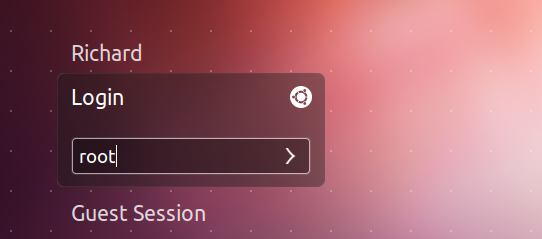
Restart your computer and choose to login as root.

請先 登入 以發表留言。